

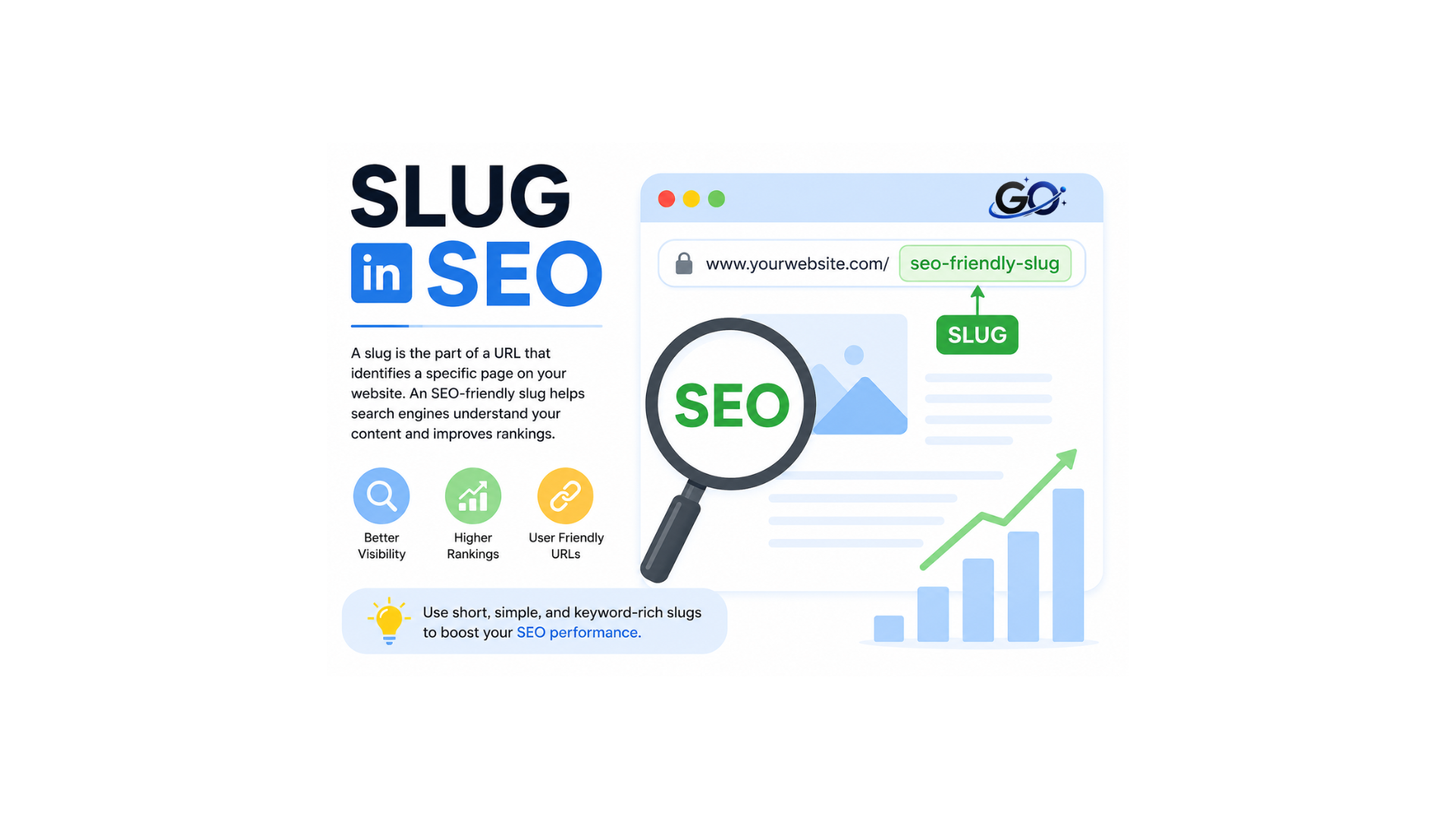
The descriptive language of the URL that informs users and search engines about the content of your page is known as an SEO slug.The slug usually comes after the domain name and consists of a few hyphen-separated words that define the content of the page. Another name for it is the “path” or “URL extension.”Since keywords have a big impact on your search engine rankings, the SEO slug should contain them. Depending on your SEO strategy, you can completely alter the slug’s text.An effective SEO slug for a site named “How to prepare mango ice cream,” for instance, would be “prepare-mango-ice-cream.” Why To make it simple for people and search engines to understand what the page is about, the SEO slug should be brief, descriptive, and include the landing page’s primary keywords.
Are SEO Slugs Important?
The following are the main justifications for the necessity of SEO slugs:
makes it easier for users to grasp the purpose of the page simply by looking at the URL.This improves the user experience and increases the likelihood that users will click.improves a page’s content comprehension for search engines, which can lead to higher ranks.enhances social sharing since visitors are encouraged to share the page by an SEO slug that is clear and descriptive. Helps Search Engines Understand ContentSearch engines employ various signals to comprehend a webpage.
Why SEO friendly slug matter?
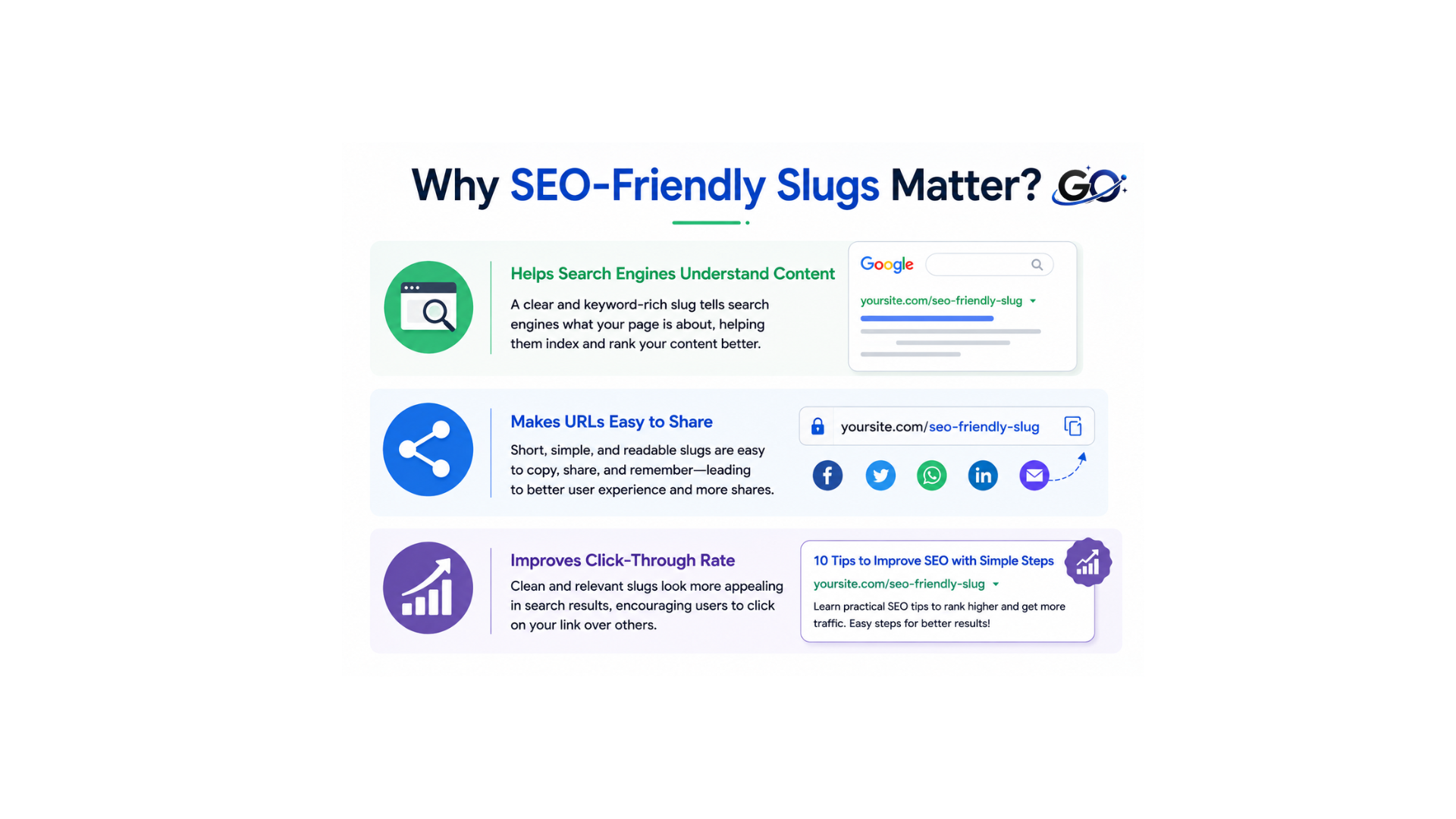
An SEO-optimized slug aids search engines in comprehending the content of your page, facilitating better indexing and ranking. It also produces clean, easily readable URLs that are straightforward to share on various websites and social media platforms. A well-defined and pertinent slug can enhance your click-through rate (CTR) by attracting more users to click on your page in search results.
Helps Search Engines Understand Content
A clean and keyword-focused slug helps search engines comprehend what your page is about. This increases your chances of ranking for pertinent search searches and facilitates accurate indexing of your material.
Makes URLs Easy to Share
Slugs that are clear, concise, and easy to understand make URLs that are simple to share, copy, and remember. Additionally, a straightforward URL appears more reliable when shared via messaging applications, emails, or social media.
Improves Click-Through Rate
A descriptive slug makes your URL look more relevant in search results. When users clearly understand what the page is about, they are more likely to click your link, which can improve your click-through rate (CTR).
What Is a Slug in a Website?
On a website, each page or post is uniquely identified by its slug.Think of it as a numeric address that directs your browser or search engine to the exact location of specific content. To prevent confusion and guarantee correct indexing, each page on your website needs its own distinct slug.
If you operate a recipe blog, for example, you may have slugs like:
/chocolate-chip-cookies
/homemade-pizza-dough
/best-pasta-carbonara
What users will find on that page is explained in detail by each slug.
What Is a Slug in WordPress?
The functionality of a WordPress slug (or slug in WordPress) is identical, but WordPress comes with built-in tools that make slug creation and maintenance simple. WordPress automatically creates a slug based on your title when you create a new post or page. However, WordPress’s default slugs frequently require optimization for improved SEO performance, as you’ll see in this post.
URL Structure Explained
A complete URL consists of several parts.
Example:
Protocol: https://
Domain: example.com
Folder: blog
Slug: what-is-slug-in-seo
The last component of the URL is always the slug.
How Can an SEO Slug Be Made More Search Engine Friendly?
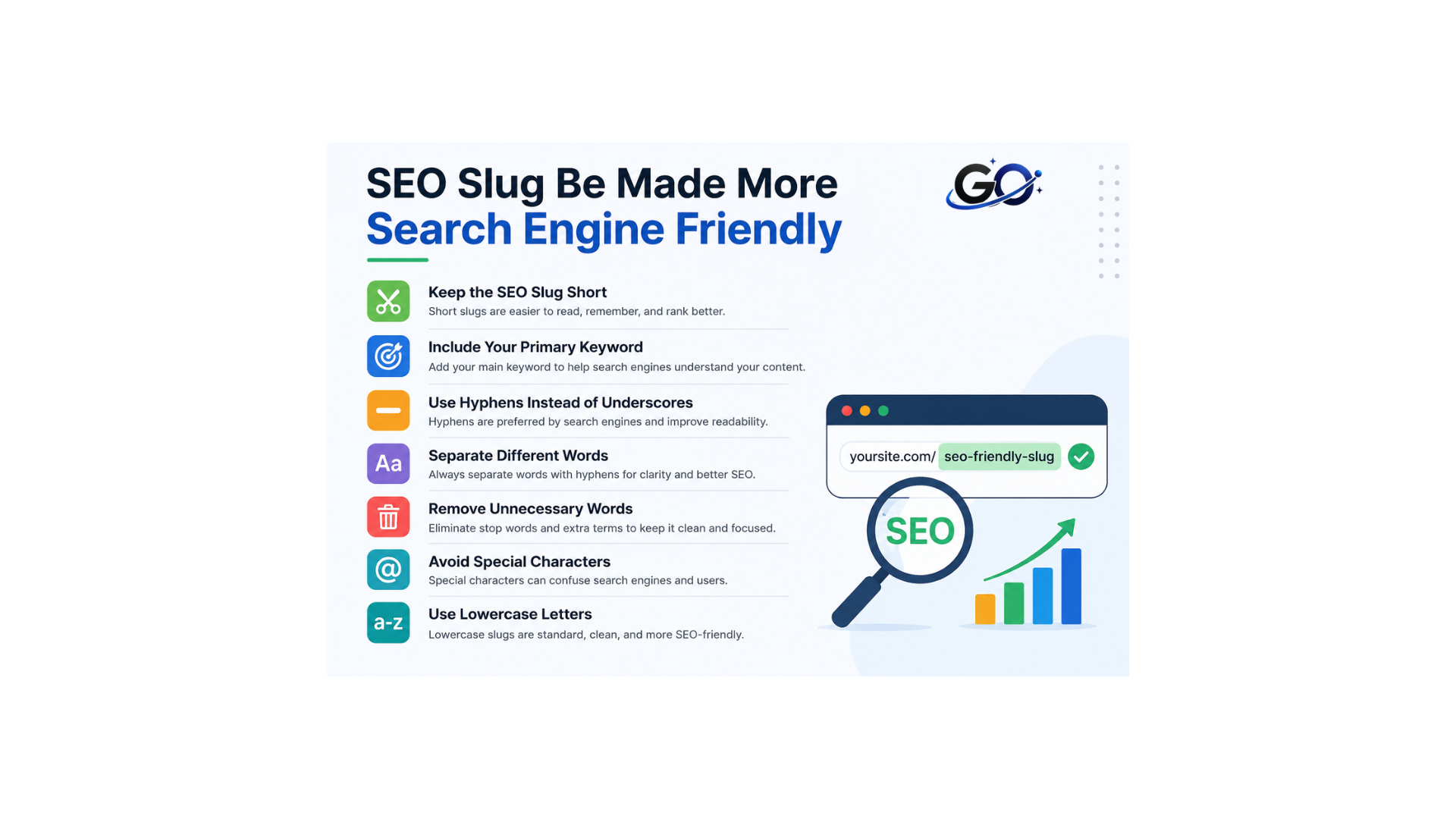
A good slug follows several SEO best practices.
Keep the SEO Slug Short
Because people don’t need to read much to comprehend the on-page information, your SEO slug should always be brief and simple.This improves the overall user experience.
Additionally, a larger slug will be difficult to read in its entirety because it cannot be fully displayed on the result page sample.
Your SEO slug should be between three and six words long.Although the number of words you use as your slug varies on the content of the page, you should generally attempt to keep the URLs within this range.
Include Your Primary Keyword
The main goal term for the page should always be included in the SEO slug. To maximise SEO benefits, the page URL should be keyword-rich and descriptive.
For instance, if your page is about “how to do SEO keyword research,” then you can specify the SEO slug as “yourdomain.com/seo-keyword-research-guide” or “yourdomain.com/keyword-research.”
Use Hyphens Instead of Underscores
Some web admins make the mistake of utilising numerals, underscores, or symbols in the SEO slug, which should be avoided.
Hyphens are regarded as word separators by search engines such as Google.
In your SEO slug, hyphens should always be used as word separators rather than any other special character. In this method, you can preserve clear and uncomplicated site URLs.
Separate Different Words
To make the URL easier to read and more comprehensible, the words you employ in your slugs should be kept apart.
Words that are difficult to comprehend will take longer to understand and draw users away from your website.
Remove Unnecessary Words
While stop words like “and,” “or,” “but,” and “the” are natural in language, they often aren’t necessary in URLs and can make slugs longer and less straightforward.
Eliminating these stop words improves clarity and SEO impact by keeping your URL concentrated on the relevant terms.
Avoid Special Characters
In addition to the hyphen, which is also regarded as a word separator, search engines do not identify any additional unique characters.
Don’t include any emoticons or unusual characters in your URL. They are instantly converted into percentage characters by search engines, resulting in a disorganised URL.
Use Lowercase Letters
Using lowercase letters uniformly prevents errors and confusion, as users might not remember the correct case.
Using lowercase in URLs consistently guarantees accessibility and prevents problems brought on by some servers’ case sensitivity.
Additionally, using lowercase in URLs gives your website a consistent, polished look.
Common Slug Mistakes to Avoid
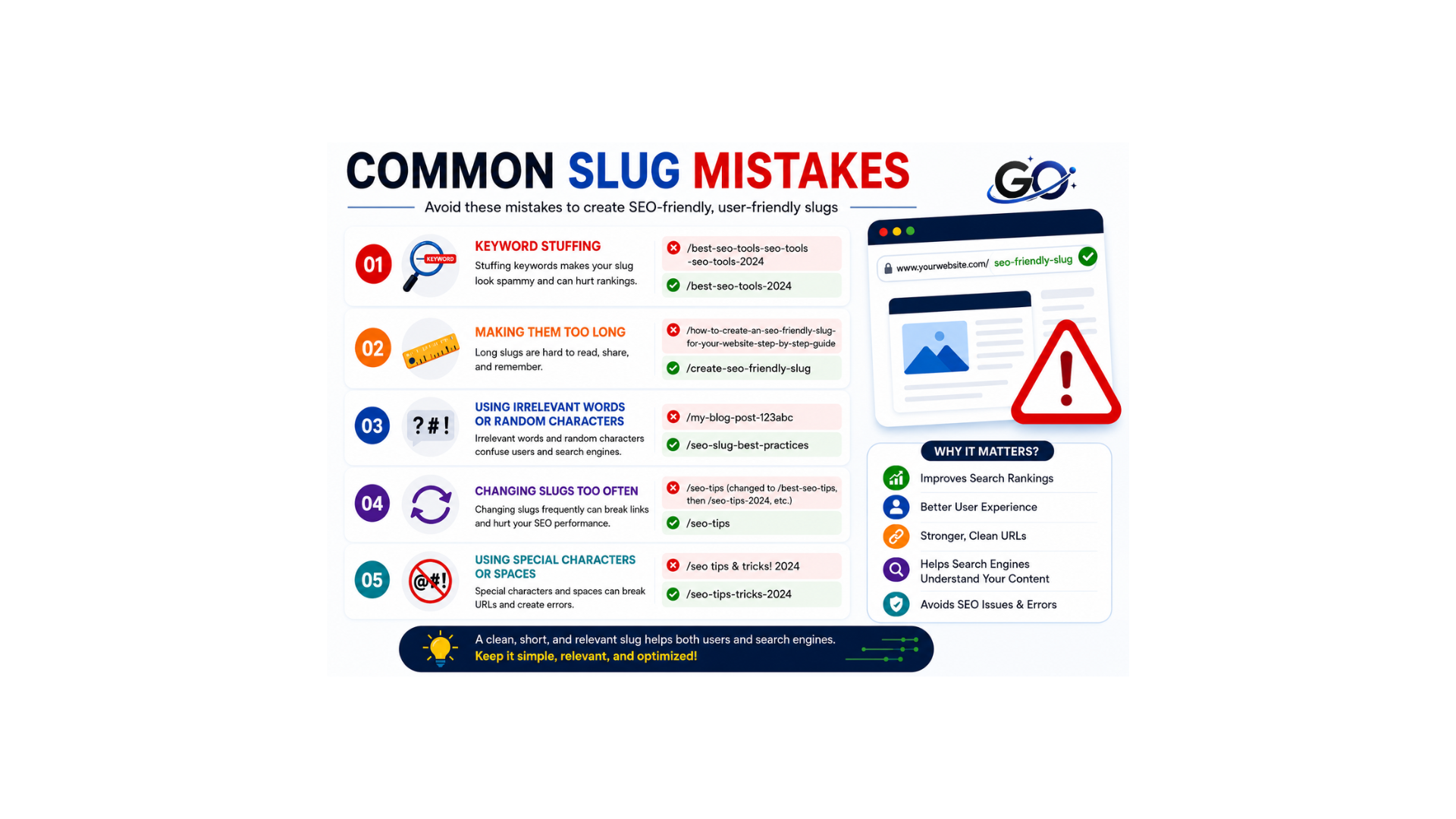
Slugs may appear straightforward, but there are a few typical blunders that can seriously impair the functionality of your website. Just as crucial as knowing what to do is understanding what to avoid. Let’s examine some common mistakes to avoid when making slugs.
Keyword Stuffing
Do you recall our advice to employ keywords? Well, there’s a narrow line between utilising them judiciously and overdoing it. Cramming too many keywords into your slug makes it look awkward and challenging to read. This is known as keyword stuffing. For example, /best-shoes-running-walking-gym-training-sports-sneakers is a bad slug. It’s perplexing for users and might even be labelled by search engines as spammy behaviour. Prioritise natural language and readability over keyword stuffing at all times.
Making Them Too Long
This relates to keeping it brief and to the point. Long slugs are tough to type and remember, and they don’t look good when shared or in search results. Aim for brief slugs that succinctly summarise the subject matter without superfluous details. Your slug is probably too long if it seems to go on forever!
Using Irrelevant Words or Random Characters
Auto-generated slugs may occasionally contain codes, letters, or arbitrary numbers unrelated to your content. Alternatively, you may unintentionally use words that are unrelated to the theme of the site. Make sure every phrase in your slug is pertinent to the site at all times. Because it provides obvious information, a slug like /product/item-id-7890 is far less effective than /product/red-leather-wallet.
Changing Slugs Too Often
This is a significant one! Changing a page’s slug after it has gone live and been indexed by search engines may cause issues. When a slug is changed, the previous URL will no longer function, resulting in “404 Not Found” problems. This indicates to search engines that your page is no longer active and negatively impacts user experience. Setting up a 301 redirect from the old URL to the new one is essential if you *must* update a slug. This maintains the page’s search engine rating and avoids broken links by alerting browsers and search engines that it has moved permanently.
Using Special Characters or Spaces
We mentioned this before, but it’s important to reiterate. In your slugs, stay away from spaces, underscores, question marks, exclamation points, and other special characters. Use hyphens, lowercase letters, and digits only where absolutely essential and static. This guarantees that your URLs are clear, useful, and comprehensible to all web systems.
Frequently Asked Questions
Does a slug affect SEO?
Yes. While a slug alone won’t guarantee higher rankings, it helps search engines understand your content and improves user experience.
How long should a slug be?
While providing a clear description of the page, keep it as brief as feasible. Usually 3–6 meaningful words are enough.
Can I change my slug later?
Yes, but changing a published URL requires a 301 redirect to avoid broken links and preserve SEO value.
Should I include keywords in my slug?
Yes. Including your primary keyword naturally helps make the URL more descriptive and relevant.
Are spaces allowed in slugs?
No. Spaces are replaced with hyphens (-) to create clean, readable URLs.
Conclusion
A slug in SEO is a small but important part of every webpage URL.It helps search engines understand your content and makes your links easier for visitors to read, share, and remember. By keeping your slugs short, descriptive, keyword-focused, and free from unnecessary words, you can create cleaner URLs that improve usability and support your overall SEO strategy. Whether you’re managing a website or using WordPress, following these best practices will help you build SEO-friendly URLs that benefit both users and search engines.