

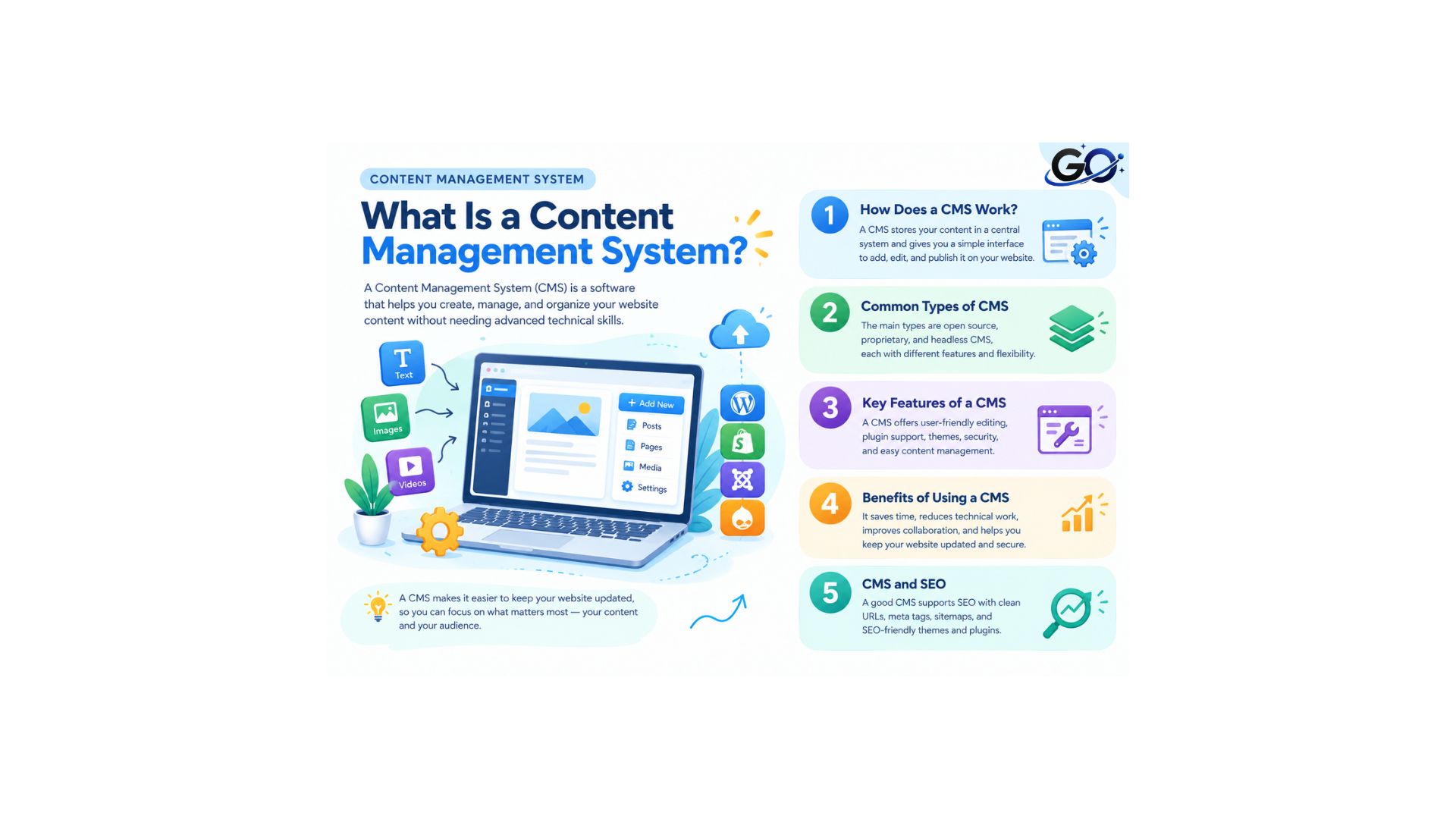
A content management system (CMS) helps users create, manage, store, and edit digital content. It provides a comprehensive solution for organizing websites, apps, photos, and other content through an intuitive interface. Companies can also customize the system to meet the needs of their teams and workflows.
Additionally, it’s critical to distinguish between a CMS and digital asset management (DAM). Although they are complementary, the two systems cannot be used interchangeably. DAM software helps a company by centralising the storage of its digital assets. To put it another way, a DAM is merely a system for organising and storing a brand’s digital data, whereas a CMS creates and maintains the content for a brand’s website.
How Does a CMS Work?
To understand how a content management system works, let’s take a step back. A manually run website would need the individual or organization to write a static HTML file from scratch and upload it to the server for every page. This requires a lot of time, effort, and frequent updating, which takes important resources away from companies that are already very busy.
Using a CMS platform can help developers avoid this difficult task. The system already provides the front-end and back-end, so developers can use an intuitive interface to make the necessary adjustments. As a result, the CMS helps improve the user experience of websites and mobile applications.
Why Is a CMS Important?
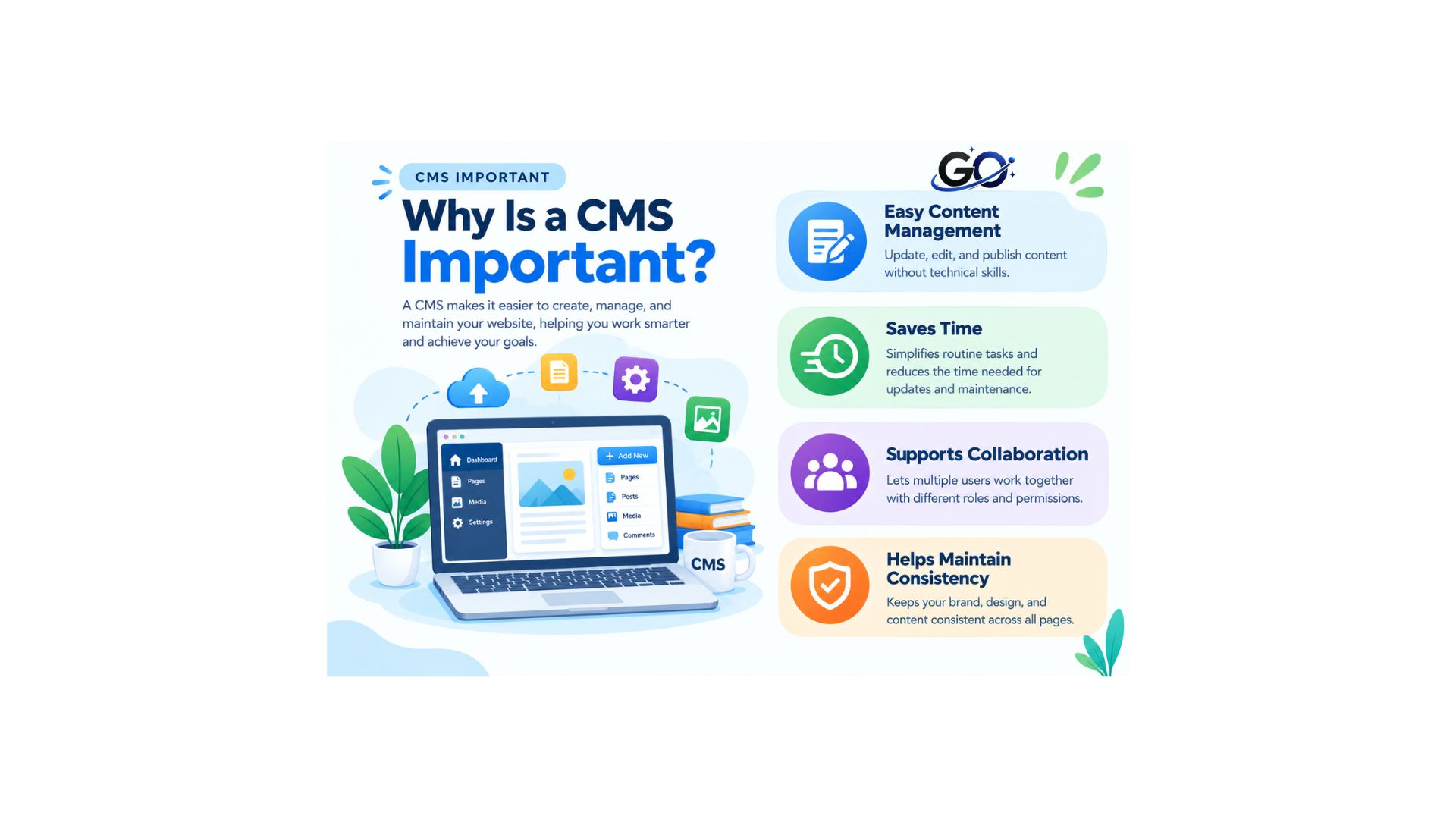
A CMS can simplify website management for individuals, businesses, bloggers, and organizations.
Easy Content Management
Content administration is made easy with a CMS, even for non-technical users. Content creation, editing, organization, and publication are all simple from a single location. This facilitates the proper management of various content types and the upkeep of your website.
Saves Time
By streamlining routine website chores, a content management system saves time. With a simple interface, you can easily modify pages, publish posts, and manage media without having to deal with code for every update. This frees you up to concentrate more on producing valuable content.
Supports Collaboration
With the aid of a CMS, several users can work together on the same website. Team members may have different roles and permissions based on their responsibilities. As a result, administrators, editors, and writers may manage content more skilfully.
Helps Maintain Consistency
A content management system (CMS) aids in keeping your website’s structure and design constant. Presenting content consistently is made easier by templates, categories, and formatting options. This makes the website more structured and improves the user experience.
Common Types of CMS
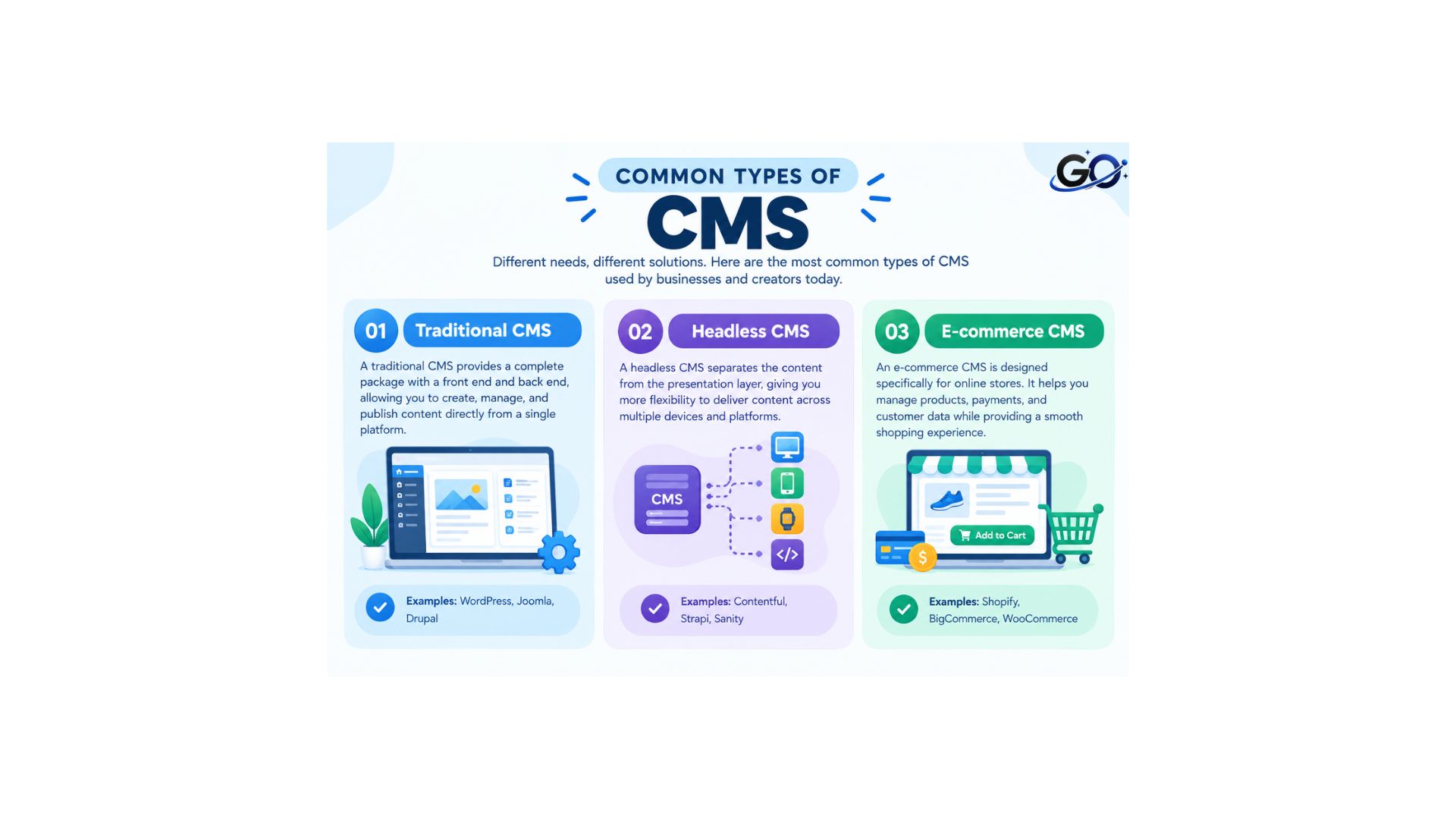
The functions of various CMS platforms vary. While some concentrate on general websites, others are experts in online retailers or particular kinds of content.
Traditional CMS
Managing content and presentation on a single platform makes it easier to create and manage page-based online experiences with in-context, drag-and-drop editing.
Headless CMS
APIs deliver content to websites, mobile apps, and other digital channels while keeping it separate from the presentation layer. This approach allows content teams to manage reusable structured content centrally while giving developers greater front-end flexibility.
E-commerce CMS
An e-commerce CMS provides tools for managing online stores. These platforms help businesses manage products, categories, orders, payments, and other store-related content efficiently.
Popular CMS Platforms
Several CMS platforms are widely used for website creation and management.
WordPress: was first developed as an online content management system for blog publishing, but it has since expanded to many other domains. Websites, e-commerce sites, professional portfolios, and more can all be utilised with the open source management system.
Drupal: Many businesses all over the world utilise the open source CMS to create and manage their websites. You may develop and publish an infinite amount of content using the user-friendly UI.
Squarespace: Squarespace is an all-in-one content management system, which means the owner can accomplish anything with a single subscription without the requirement for third-party connections, in contrast to the CMSs listed above. This CMS is well-liked by small businesses both online and offline.
Joomla:Another open-source platform for creating websites and online apps is this CMS. It has built-in language capabilities, infinite designs, and is optimised for search engines.
Shopify: Without its CMS, this e-commerce site would not be able to operate. The platform is designed for companies looking to open online stores. After that, they can use a single software system to manage and edit various kinds of information.
Adobe Experience Manager:CMS and DAM functionalities are combined in the “marketer-and developer-friendly” package. It is appropriate for companies searching for a single platform to manage their forms, digital enrolment, digital asset management, content management, and more.
Salesforce CMS: With the help of this hybrid CMS, businesses can produce, distribute, and modify content for any kind of device. The program can be used on an app or the web and is multilingual.
Wix:The web-based platform is software that allows businesses and creators to create and administer their own websites without having to know how to code. The platform offers sophisticated marketing tools and SEO features.
Key Features of a CMS
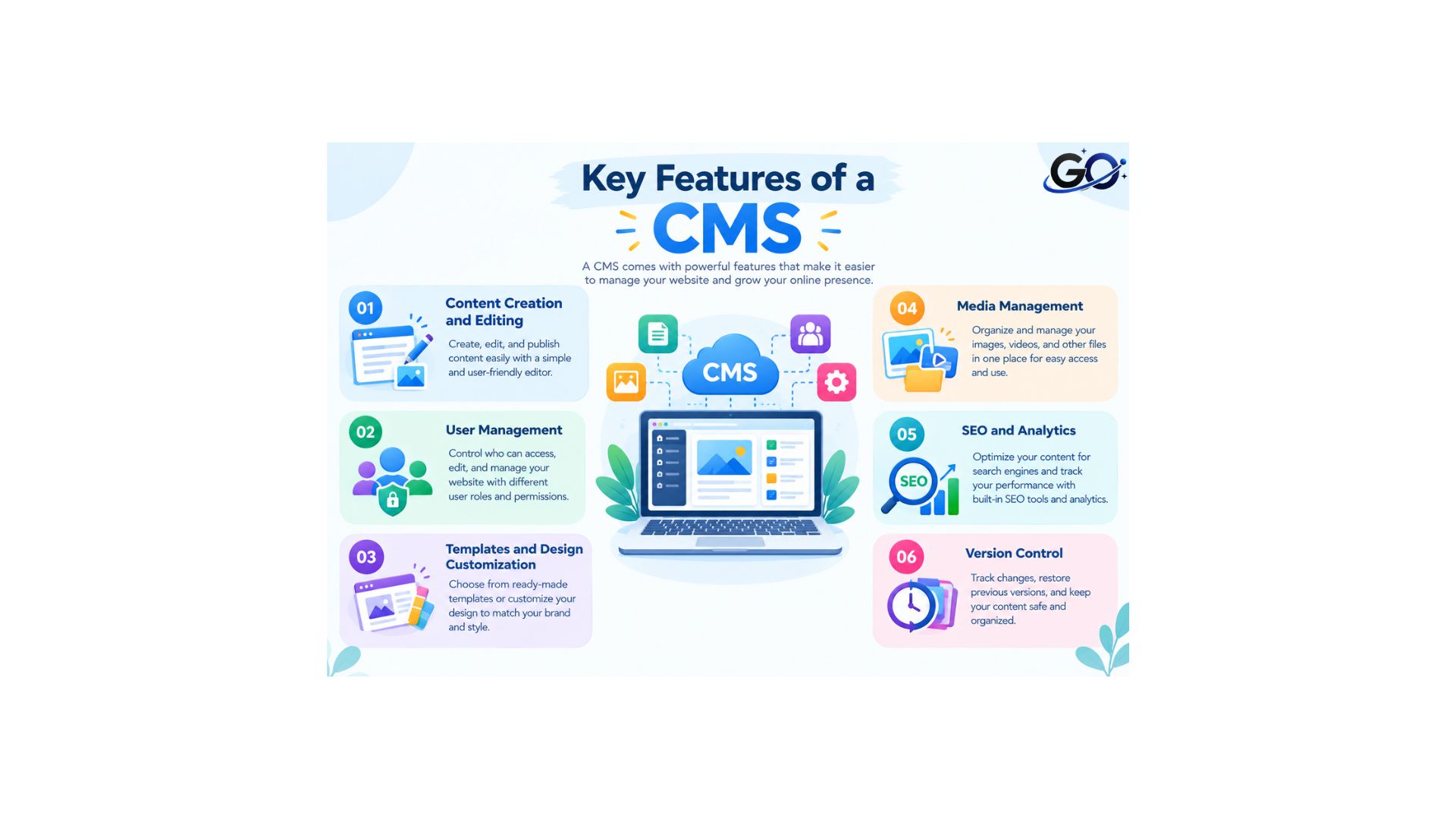
A CMS provides essential functionalities that help businesses maintain a strong digital presence. These core components include:
- Content Creation and Editing: A rich text editor or WYSIWYG editor enables users to draft, format and modify content without coding.
- User Management: Different permission levels allow organizations to control who can create, edit or publish content.
- Templates and Design Customization: Pre-designed templates help users create professional-looking websites without requiring design expertise.
- Media Management: A centralized library stores images, videos and other multimedia files for easy retrieval and reuse.
- SEO and Analytics: Built-in tools optimize content for search engines and provide performance insights.
- Version Control: Users can track changes, revert to previous versions and collaborate effectively.
Benefits of Using a CMS
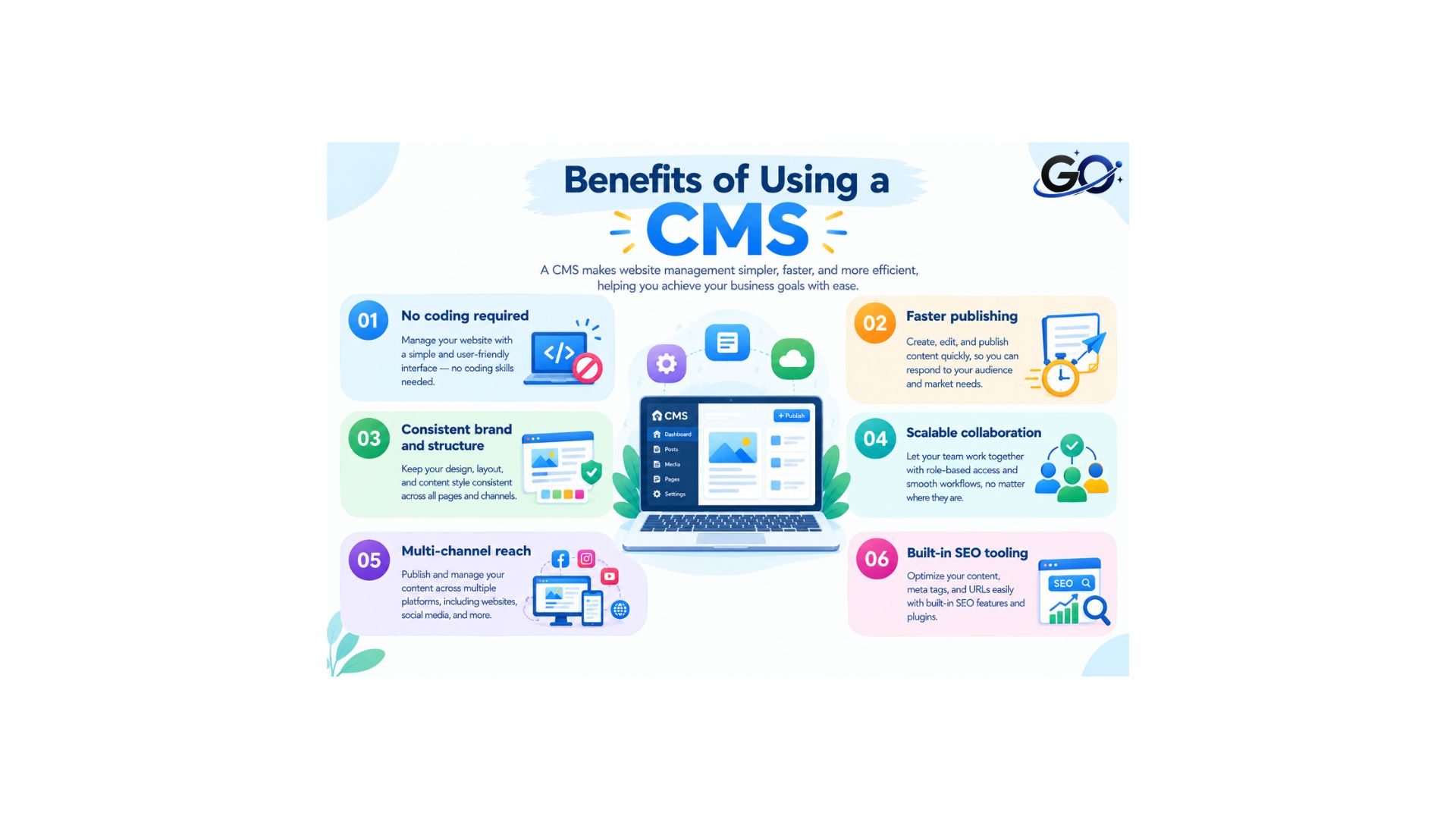
The main advantage of a content management system (CMS) is that it eliminates the need for developers to handle daily content responsibilities, which speeds up publishing, lowers costs, and enables marketing teams to move at the speed of their campaigns.
Specific benefits:
- No coding required:Pages are independently created and updated by non-technical people.
- Faster publishing: Pre-made templates and drag-and-drop editors reduce production time from days to hours.
- Consistent brand and structure: Every page automatically adheres to design guidelines thanks to templates.
- Scalable collaboration: Role-based permissions make it possible for big teams to collaborate peacefully.
- Multi-channel reach: Your website, mobile application, and digital signage can all be powered by a single content repository using a single CMS.
- Built-in SEO tooling: The majority of CMS solutions have fields for structured data, canonical tags, descriptions, and meta titles.
CMS and SEO
A CMS can also support search engine optimization. Many platforms provide tools that help users optimize their website content.
For example, users can modify page names, headings, URLs, images, internal links, and other SEO elements.
Additionally, several CMS platforms support SEO plugins and extensions that provide extra optimization features.
However, simply using a CMS does not guarantee better search rankings. A nice user experience, appropriate technical SEO, a well-structured website, and helpful content are still essential for website owners.
Common CMS Mistakes
Website owners should avoid several common CMS mistakes.
Ignoring updates: Regular updates can help maintain security and compatibility.
Installing unnecessary plugins: Too many plugins can add complexity and may affect website performance.
Using weak passwords: Strong account security helps protect the website from unauthorized access.
Ignoring backups: Regular backups can help recover website content if something goes wrong.
Poor content organization: Clear categories, navigation, and website structure can make content easier to manage and find.
Conclusion
A Content Management System makes it easier to create, organize, update, and publish website content. It allows individuals and businesses to manage websites without handling every task through code.
Features offered by various CMS platforms vary. Therefore, before selecting one, take into account your website’s objectives, necessary functionality, usability, scalability, security, and SEO requirements.
FAQs About Content Management Systems
1. What are some use cases for Content Management Systems?
CMS platforms are utilised for enterprise portals, corporate websites, e-commerce sites, blogs, and online magazines.
2. How is a CMS most frequently used?
Creating, managing, and publishing website content without the need for sophisticated coding knowledge is the most popular use of a CMS. Blogs, company websites, online shops, and other digital platforms are frequently managed with it.
3. Do I need coding skills to use a CMS?
The majority of contemporary CMS platforms are designed with non-technical users in mind. Marketers and content teams can design and publish pages without knowing HTML or CSS thanks to visual editors, drag-and-drop builders, and pre-made templates.
4.What is the difference between CRM and CMS?
A content management system (CMS) focuses on content production and website administration, while a customer relationship management (CRM) system manages client interactions.
5.What is the best CMS for enterprise?
Enterprise organizations frequently evaluate platforms like Optimizely, Adobe Experience Manager, Sitecore, and Contentful. However, the best option depends on your channel strategy and integration needs. Additionally, consider whether you need integrated experimentation and personalization alongside content management.