Image Alt Text improves SEO and accessibility by helping search engines understand images while enhancing the user experience.Alt text makes web content more inclusive by giving users who rely on screen readers important context about images. Simultaneously, alt text is used by search engines to comprehend the content of images, which can help them rank higher in image search results. In order to make digital information more accessible, particularly for users who are blind or visually impaired, the alt tag is crucial.
Why Is Image Alt Text Important?
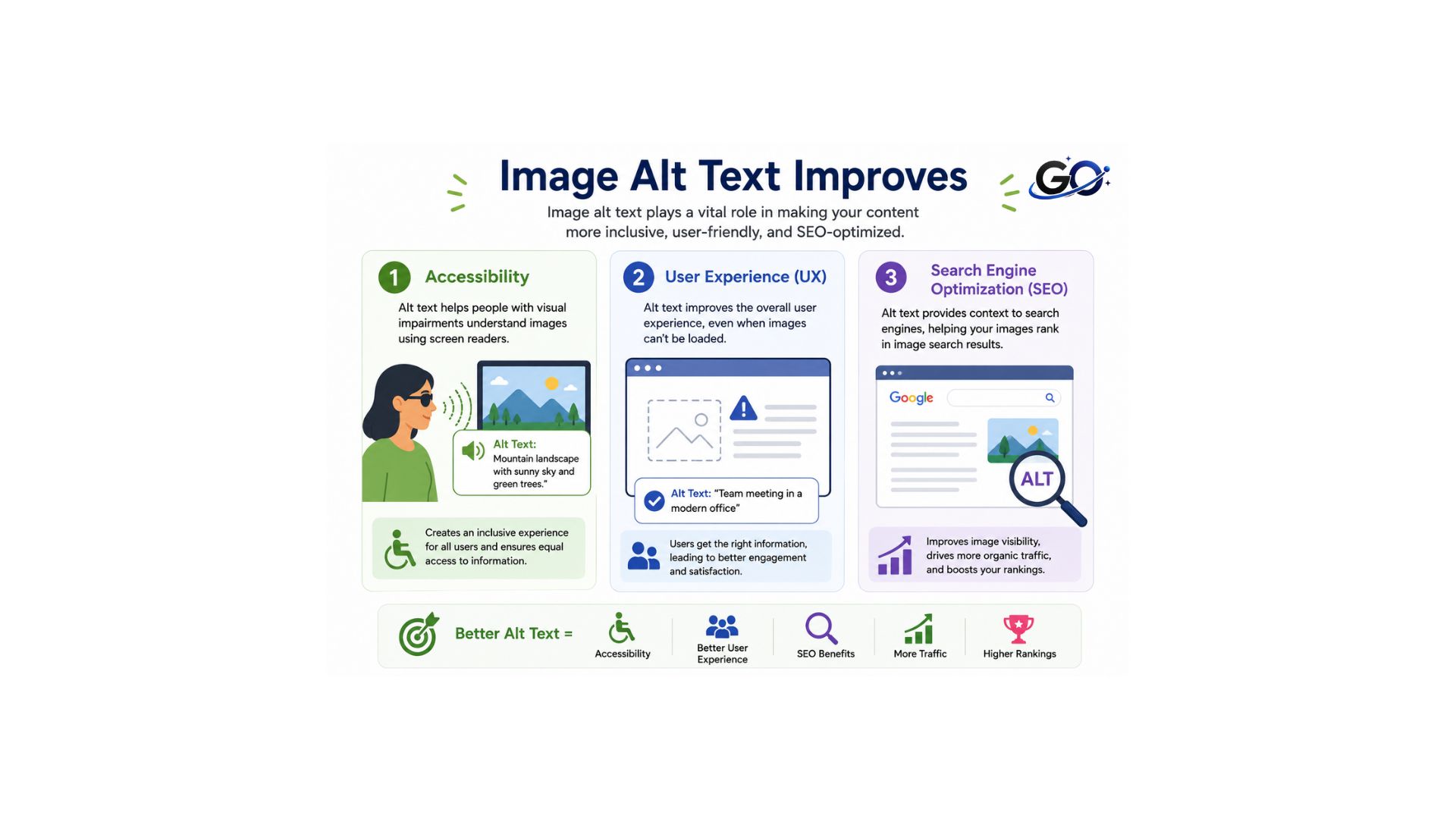
Image alt text is important because it makes websites more accessible, improves the user experience, and helps search engines understand image content. These benefits support both website usability and SEO performance.
Accessibility
In addition to being the moral thing to do, making your web material accessible to people with different abilities can increase your consumer base. A crucial component of web accessibility is alt text. Screen readers and other assistive technology can be used by those with visual impairments. These applications will read an image’s alt text description aloud. Screen reader users will lose out on the crucial context of images on webpages if the alt attribute is empty.
User experience (UX)
Low bandwidth connection, slow internet speeds, or a poor connection can restrict a user’s ability to view webpages. Why is this relevant? When a user has a slow internet connection or an intermittent connectivity issue, images fail to load but most browsers can still load written content. If you haven’t included informative alt text, the user will simply see a broken link symbol when a picture fails. .
Search engine optimization (SEO)
Descriptive alt text raises your website’s search engine ranks and increases website traffic. Search engines can better comprehend the images on your websites with the aid of alt text. Search engines use image SEO to help them classify and rank photos on the internet. When you give search engines textual details through alt text attributes, the image will have improved search rankings and be more likely to appear in the search results.
How Image Alt Text Helps SEO
Although search engines have become much better at recognizing images through artificial intelligence, they still rely on descriptive text to fully understand visual content. Well-written image descriptions provide valuable context about what an image represents, making it easier for search engines to index and rank it accurately. Adding clear and relevant descriptions also improves accessibility for screen reader users, enhances the user experience, and supports your overall SEO strategy by increasing the chances of appearing in image search results.
Well-written alt text can help by:
- Improving image indexing.
- Increasing visibility in image search results.
- Supporting page relevance.
- Providing additional context for search engines.
- Strengthening on-page SEO.
When combined with optimized file names and properly compressed images, alt text contributes to a stronger Image SEO strategy.
How to Write Effective Image Alt Text
When you concentrate on precision and clarity, writing alt text for images is easy.
Describe the Image Clearly
Write alt text that accurately describes the image in simple and natural language. Focus on the most important details so both users and search engines can understand the image’s purpose. Don’t include extraneous details; instead, keep the description brief, pertinent, and simple to understand.
Keep It Short
Alt text should be concise – a few words maximum.Even though the text should be as specific and descriptive as possible, it should not be written in lengthy sentences.Users can find long alt texts annoying and exhaustive.Besides, the majority of the screen readers or browsers do not read alt text that is longer than 125 characters..
Include Keywords Naturally
Include your primary keyword in the alt text only when it accurately matches the image. Use keywords naturally within the description instead of forcing them into every image. This helps search engines understand the image while avoiding keyword stuffing and maintaining a better user experience.
Avoid Keyword Stuffing
Do not stuff keywords into the alt text just for the sake of it.Filling alt text with many irrelevant keywords might degrade the user experience.Furthermore, keyword stuffing can be a signal to search engines that your website is spammy and not very useful.Therefore, you should always focus on a truthful description of the image first and then (if possible) add a relevant keyword
Alt Text Regularly
Regularly reviewing your image descriptions helps identify opportunities to improve both accessibility and SEO. Check your website’s media library through your CMS to ensure every meaningful image has clear, accurate, and relevant descriptive text. Update outdated or missing descriptions, remove unnecessary keyword repetition, and make sure each image has unique text where appropriate. Consistent reviews help search engines better understand your visual content, improve image search visibility, and create a better experience for all users.
Best Practices for Image Alt Text
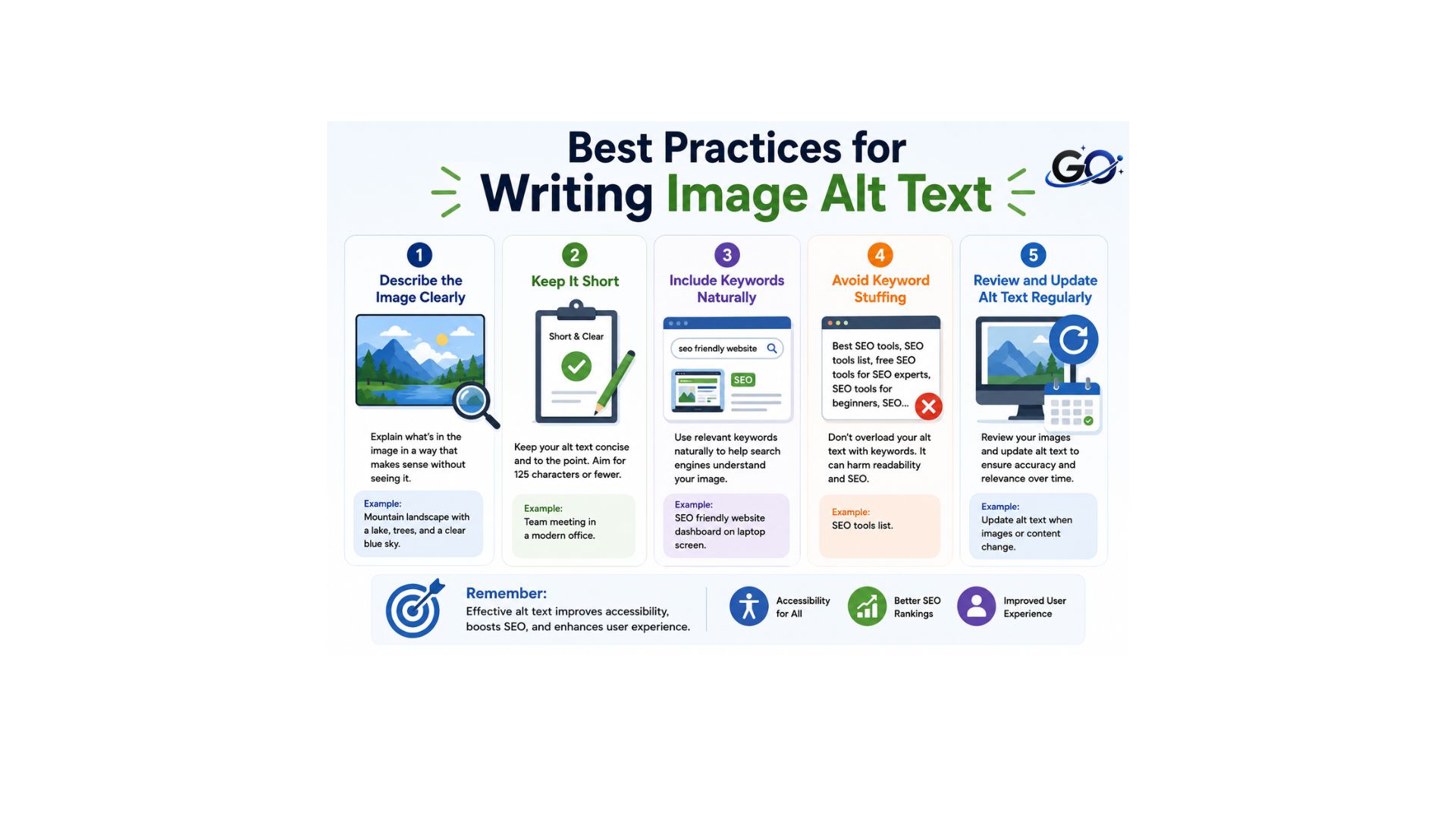
It’s important to strike a balance between relevance, conciseness, and clarity while writing optimised alt text. To guarantee accessibility and SEO best practices, adhere to these guidelines:
Be descriptive but concise
Keep alt text under 125 characters to help you visualise the content clearly.
Focus on purpose, not just appearance
Instead of enumerating visual features, describe the image’s message.
Avoid unnecessary phrases
Don’t use “image of” or “picture of”; screen readers will already tell you that it’s an image.
Use keywords naturally
Align with the user’s search purpose and include pertinent terms without stuffing.
Handle decorative images properly
Use an empty alt property (alt=\”) for solely decorative images so that screen readers can ignore them.
Complex images need extra context
Adhere to the W3C Web Accessibility Initiative criteria for maps, charts, and infographics, and include a thorough explanation in the surrounding text or in descriptions that are linked.
Alt text for buttons
Make sure image-based buttons (such “submit” or “sign up”) have clear alt text that explains their purpose.
Use CSS for purely decorative images
To avoid superfluous alt text, keep ornamental elements out of HTML and control them with CSS.
Common Image Alt Text Mistakes
Many websites make mistakes when writing image descriptions, which can reduce both accessibility and SEO effectiveness. Common errors include leaving descriptions blank, stuffing them with keywords, writing vague phrases like “image” or “photo,” and reusing the same description for multiple images. Another mistake is adding descriptions to purely decorative graphics when they are not needed. Using clear, descriptive, and relevant text helps search engines understand visual content, improves accessibility for screen reader users, and creates a better experience for all visitors.
Examples of Good vs. Bad Image Alt Text
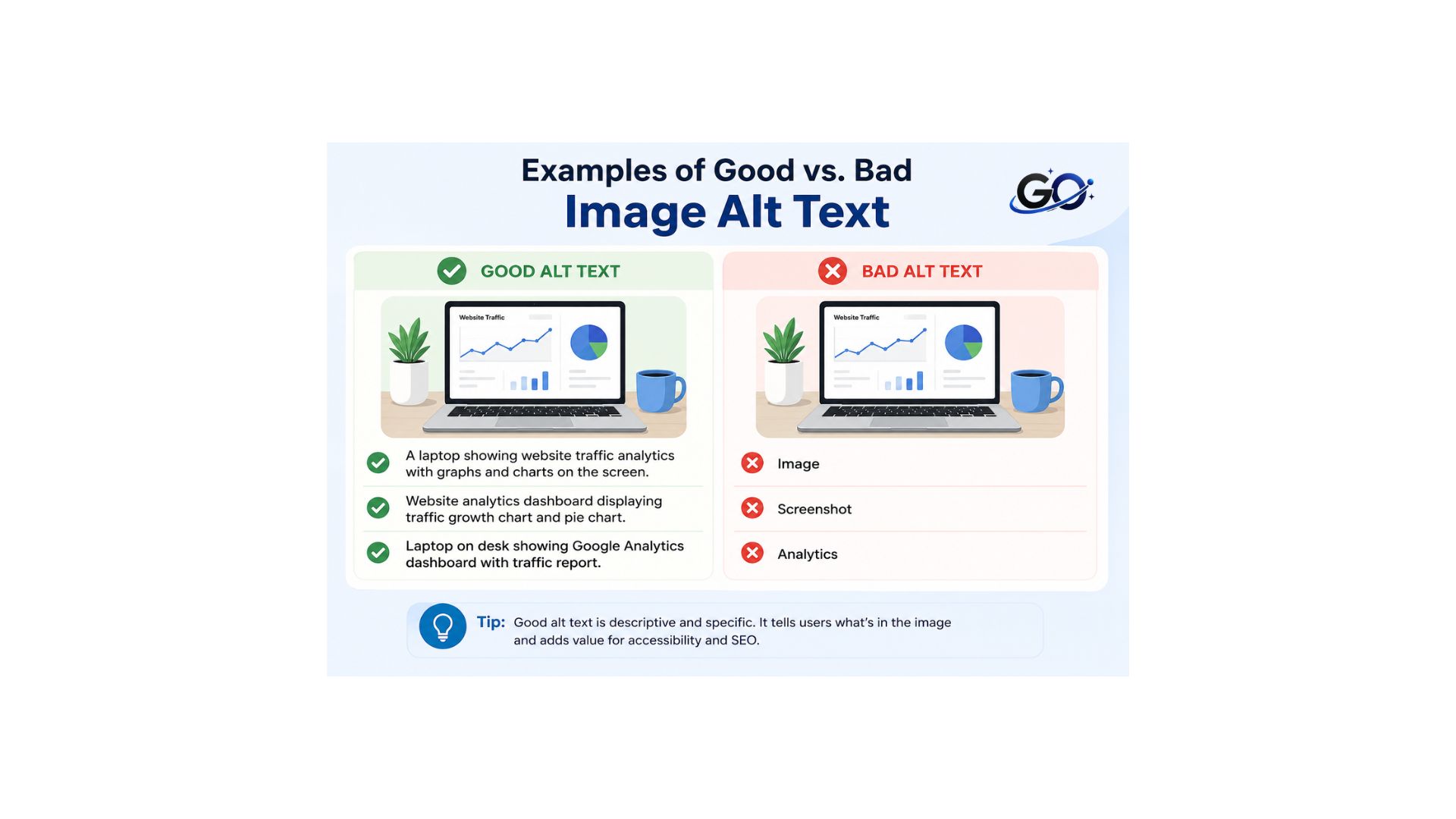
The following examples demonstrate effective and ineffective alt text.
| Bad Alt Text | Good Alt Text |
| image1.jpg | Woman editing a blog post on a laptop |
| SEO SEO SEO | SEO dashboard displaying keyword rankings |
| Picture | Blue running shoes on a white background |
| Laptop | Working from home with a laptop as a freelancer |
The goal is to describe the image naturally rather than filling the field with keywords.
Image Alt Text for Different Types of Websites
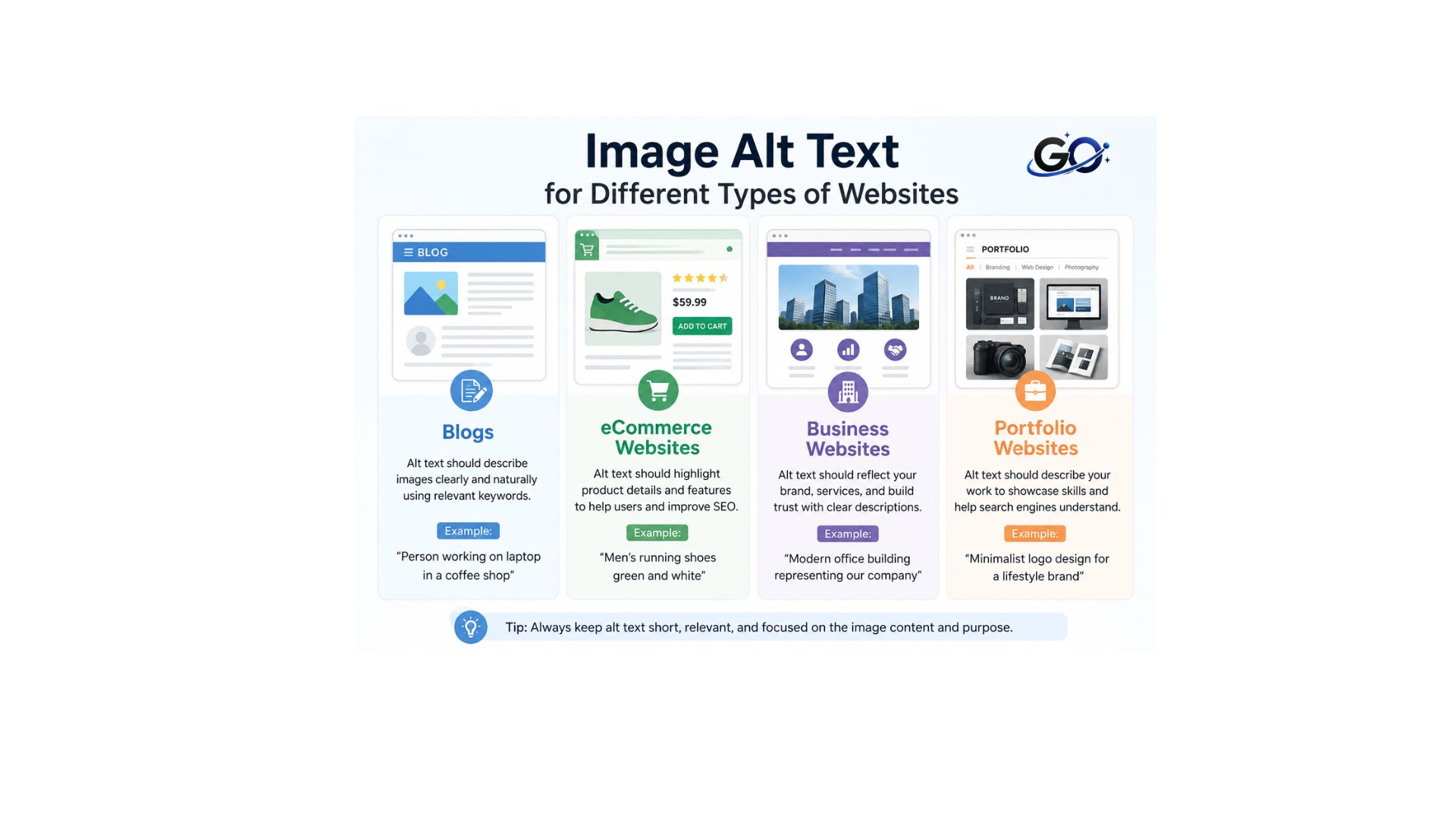
Blogs
Describe images that support your article while including relevant keywords naturally.
eCommerce Websites
Describe products accurately by mentioning important details such as color, style, or size when appropriate.
Business Websites
Use descriptive alt text for team photos, services, office images, and marketing visuals.
Portfolio Websites
Describe projects, designs, and creative work clearly so search engines and users understand each image.
Conclusion
Image alt text is a small but important part of website optimization. It helps search engines understand images, improves accessibility for users with screen readers, and supports better visibility in image search results. Writing clear, concise, and descriptive alt text enhances both user experience and SEO without requiring much effort.
By following best practices and avoiding common mistakes, you can make your website more accessible while improving your overall SEO performance. Every meaningful image should include clear, descriptive alt text that accurately explains its content, enhances the user experience, and helps search engines better understand your web pages.
FAQs
Does image alt text improve SEO?
Yes, image alt text can improve SEO by helping search engines understand the content of your images. Well-written alt text also increases the chances of appearing in Google Image Search and improves website accessibility. While alt text alone will not guarantee higher rankings, it supports overall SEO when used naturally and accurately.
What is the ideal length for image alt text?
The ideal image alt text is under 125 characters. It should clearly describe the image in simple, natural language while including a relevant keyword only when it fits the context. Avoid keyword stuffing, as the primary purpose of alt text is to improve accessibility and help search engines understand the image.
What is the difference between alt text and image description?
Alt text is a short, concise description embedded in the HTML alt attribute for accessibility and SEO. An image description, on the other hand, is a more detailed explanation typically displayed on the page, providing more context and details about the image for all users.