

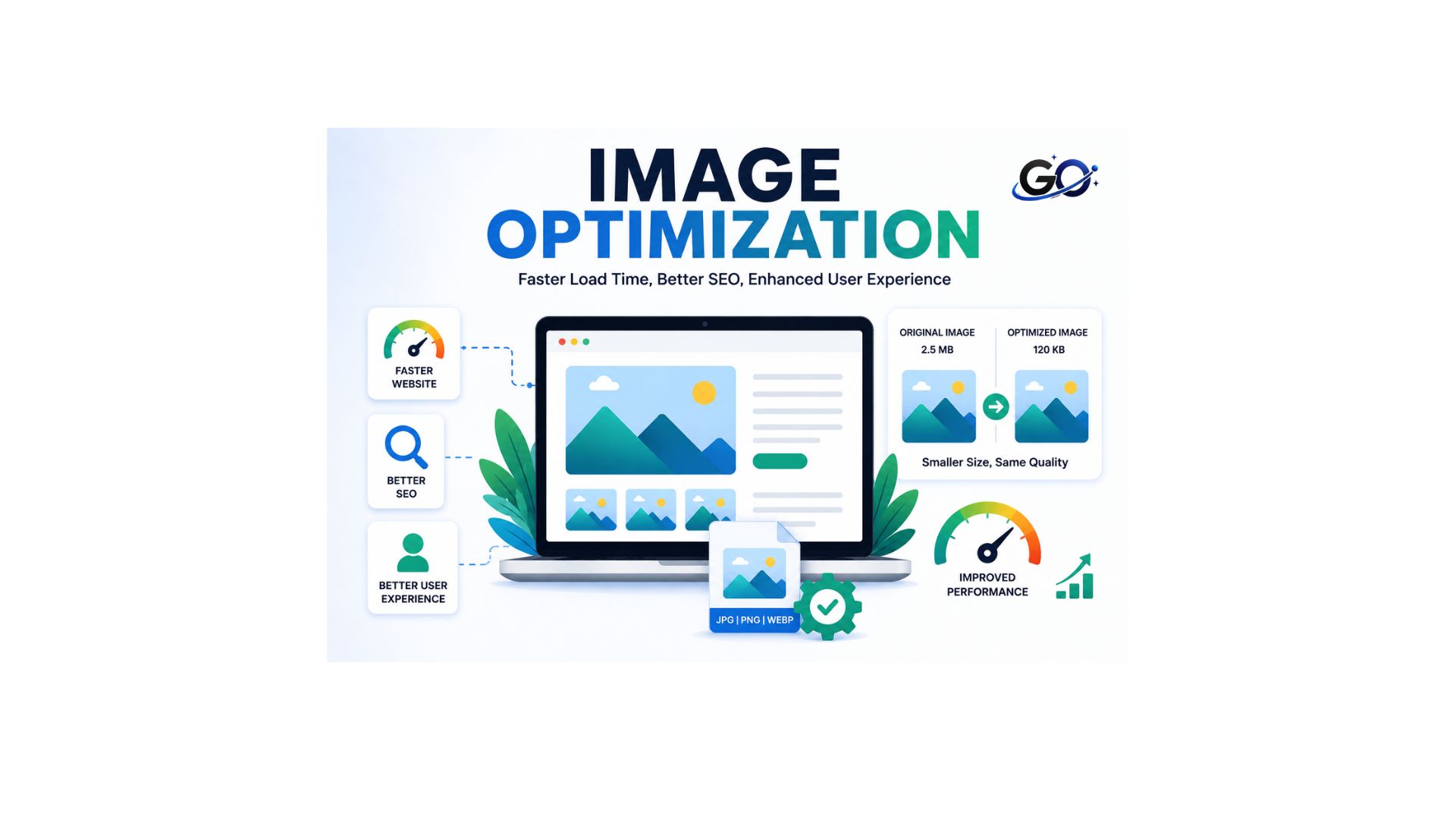
Image Optimization improves website speed, SEO, and user experience by reducing image file size while maintaining high visual quality. In SEO, image optimization is an essential on-page practice because images directly affect page loading speed, mobile usability, and search engine visibility. A website with properly optimized images loads faster, reduces bounce rates, and provides a smoother browsing experience across all devices.
It also helps search engines crawl and index visual content more efficiently, increasing the chances of appearing in image search results. Using the right image format, compression, descriptive file names, and relevant alt text further enhances image performance and accessibility. By following image optimization best practices, you can improve Core Web Vitals, boost organic traffic, and create a faster, more user-friendly website.
Why Is Image Optimization Important for SEO?
Image optimization is important because it improves both website performance and search engine visibility. Large, uncompressed images can slow down a website, leading to poor user experience and higher bounce rates. Optimized images load faster, making pages more responsive on both desktop and mobile devices.
Search engines also rely on image-related information, such as alt text and file names, to understand image content. Proper optimization increases the chances of appearing in image search results while supporting better rankings in regular search results.
Some major SEO benefits include:
- Faster page loading speed.
- Better Core Web Vitals performance.
- Improved mobile experience.
- Higher visibility in Google Images.
- Increased user engagement.
- Lower bounce rates.
How Image Optimization Improves Website Performance
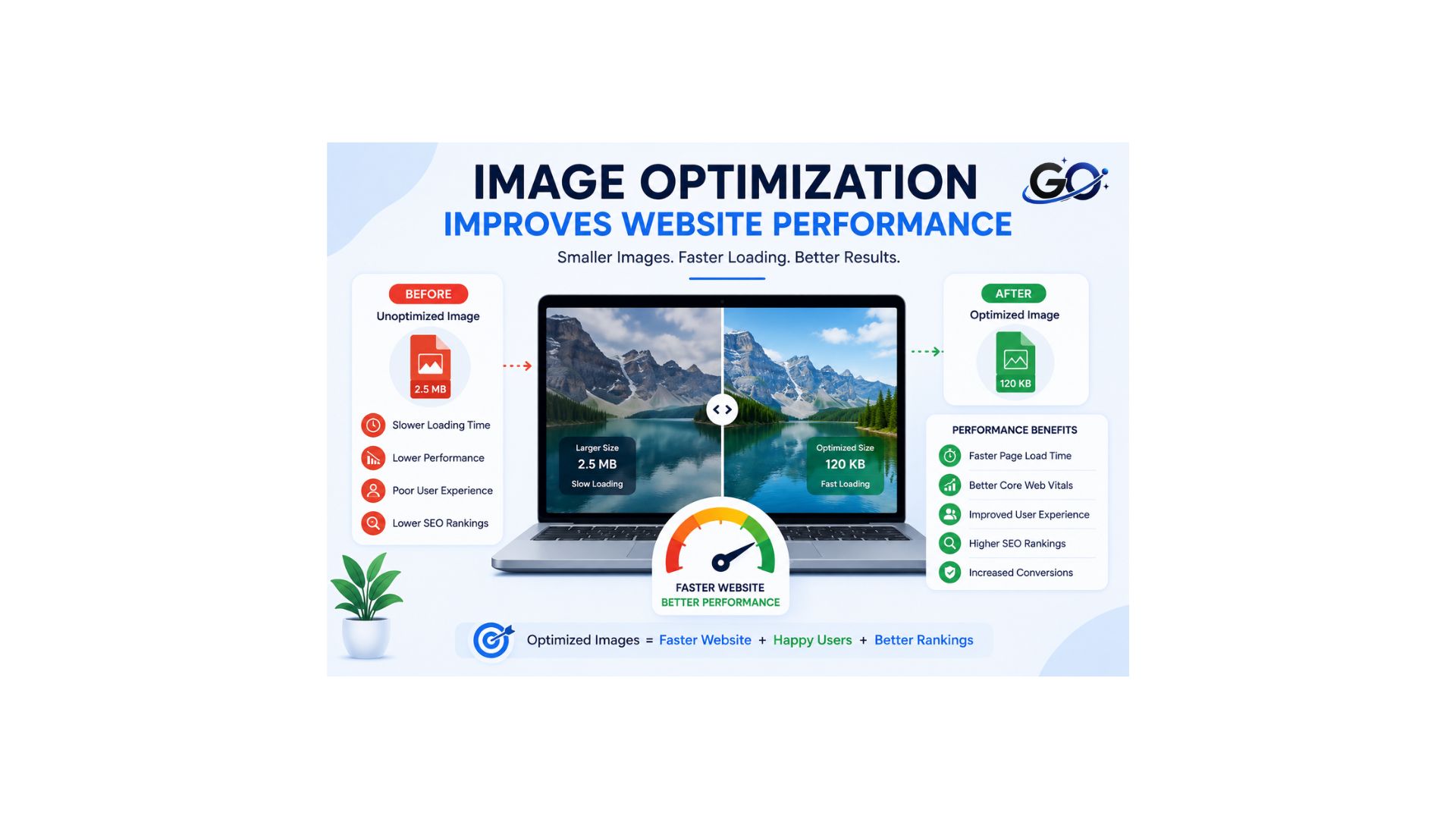
Website speed is one of the most important factors for user satisfaction. Every image on a page requires data to be downloaded by the browser. When images are too large, they increase loading time and reduce website performance.
Image optimization improves performance by:
- Compressing image file sizes.
- Using modern image formats.
- Displaying correctly sized images.
- Loading images only when needed.
- Reducing server bandwidth usage.
These improvements help visitors access content more quickly and create a smoother browsing experience.
Key Elements of Image Optimization
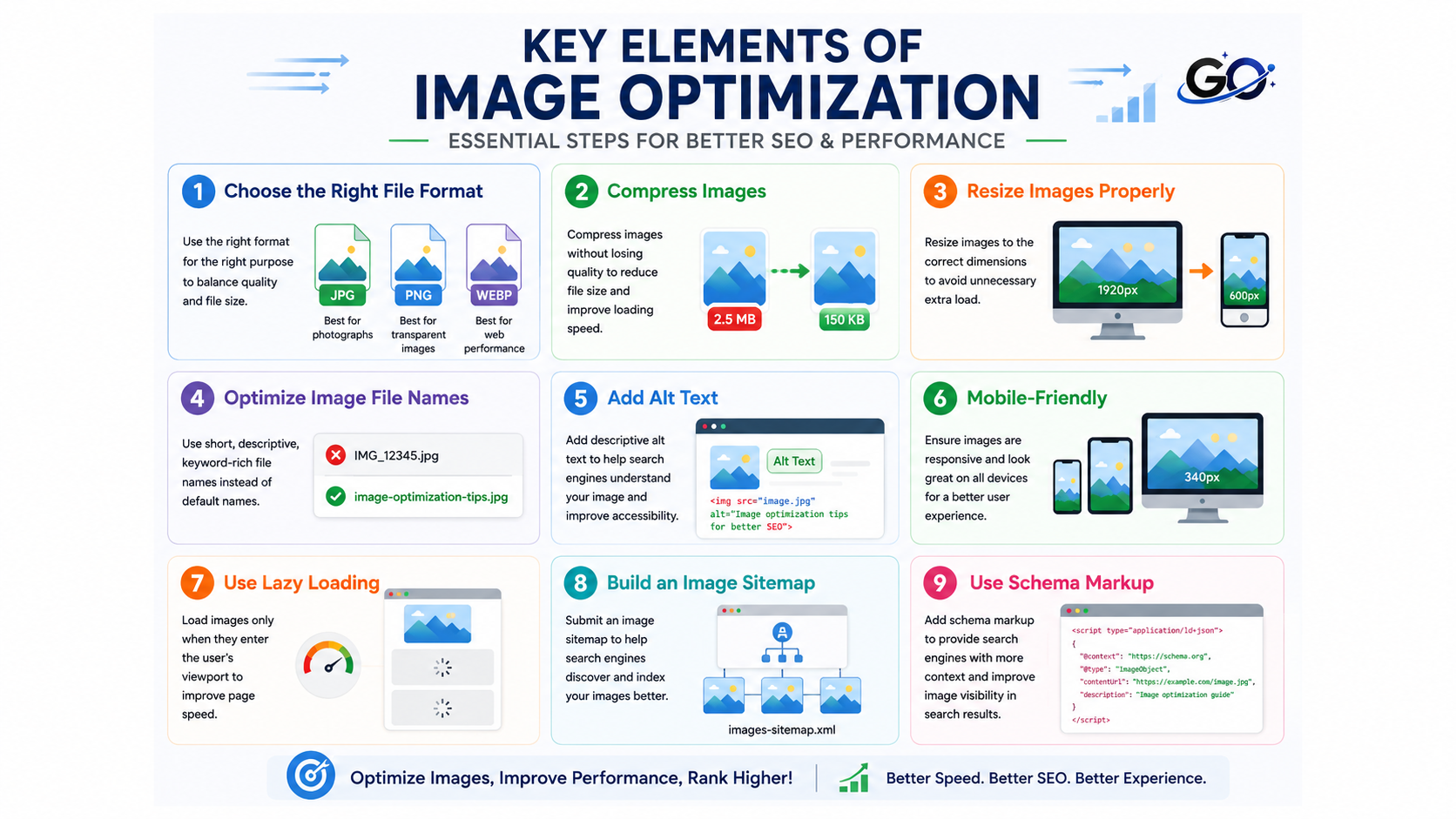
Several factors contribute to effective image optimization.
Choose the Right File Format
Think of image formats as different types of paintbrushes. You wouldn’t use a roller to paint fine details, right? The same goes for image formats.
Common formats include:
- JPEG for photographs.
- PNG for transparent images.
- WebP for excellent compression and quality.
- SVG for logos and icons.
Choosing the right format helps balance image quality and performance.
Compress Images
There are two ways you can compress the images on your website. For instance, you can use:
- Lossless: Keeps all the data, like folding your clothes neatly.
- Lossy: Removes some data, like leaving that extra pair of shoes home.
For most web images, lossy compression is your friend. Tools like TinyPNG or Squoosh can work wonders. In one case, a blog post image was compressed from 2MB to 200KB with barely noticeable quality loss. That’s a 90% reduction!
Resize Images Properly
One of the best ways to speed up your website is to resize your images, but that doesn’t mean sacrificing quality. Ensure your images are optimized for performance and display well across all devices. For the most part, a maximum of 2,500 pixels is generally adequate for website images.
Optimize Image File Names
Google can better comprehend your photographs by using the file name and URL location. This entails putting important terms in the file name and arranging your picture URLs logically.
By doing this, you may maintain organization and improve Google’s comprehension of your photos.
Complicated file names are not necessary. To make it simpler to upload content to WordPress, I typically use the alt text as the file name. Here is a recent blog post I wrote about creating the tone of voice for your brand, for instance.
Add Alt Text
A brief caption added to an image to clarify its content is known as alt text. It enhances accessibility for individuals who use screen readers and aids search engines in comprehending the content of the image. When appropriate, naturally incorporate your goal phrase into your clear, descriptive alt text; but, steer clear of keyword stuffing. Both image SEO and the user experience can be enhanced by well-written alt text.
Mobile-Friendly
A mobile-friendly website offers a seamless surfing experience on smartphones and tablets by automatically adjusting its layout and pictures to match various screen sizes. Search engines like Google give priority to mobile-friendly pages in their rankings because the majority of visitors access websites from mobile devices. Making your website mobile-friendly enhances usability, lowers bounce rates, and boosts SEO.
Use Lazy Loading
Lazy loading is like setting up a buffet. You don’t need to put out all the food at once–just serve what’s needed when it’s needed. By using the loading=”lazy” attribute, you can tell browsers to load images only as they’re about to enter the viewport:
Build an Image Sitemap
An image sitemap is an XML sitemap that lets search engines find and index your website images.
Image sitemaps provide information such as a URL, title, and caption and tell search engines which images to index.
You can have several XML sitemaps, so if you want to dedicate one solely to images and videos, that’s fine. Remember that the maximum sitemap size is 50 MB uncompressed or 50,000 URLs.
Use Schema Markup
One kind of coding that makes your data easier for search engines to understand is called schema markup, or structured data.
Imagine you want to collect recipes to make a book of family recipes, and you send out a form asking your family to share their recipes so they’re in the same format.
Essentially, that’s what schema makeup does. It formats your data so Google can understand if it’s a list, a recipe, an image, and so forth. Here’s what it looks like.
Common Image Optimization Mistakes
Many websites make image optimization mistakes that reduce page speed and hurt SEO performance. Common issues include uploading large image files, skipping image compression, using the wrong file format, and forgetting to add descriptive alt text. Some websites also use generic file names, ignore responsive images, or load every image at once instead of using lazy loading. Avoiding these mistakes helps improve website performance, enhances user experience, and increases the chances of ranking higher in search engine results.
Best Image Optimization Tools
Several tools make image optimization easier.
TinyPNG
reduces the size of PNG and JPEG pictures without sacrificing their quality.
Squoosh
A free browser-based tool that supports multiple image formats and compression settings.
ShortPixel
Optimizes website images automatically and supports WordPress integration.
ImageOptim
A popular image compression tool for macOS users.
Adobe Express
Allows users to resize, compress, and edit images before publishing.
These tools help reduce file sizes while preserving image quality.
Image Optimization Tips
To optimize images effectively:
- Compress images before uploading.
- Use descriptive file names.
- Add accurate alt text.
- Choose the correct file format.
- Resize images appropriately.
- Enable lazy loading.
- Use responsive images.
- Test page speed regularly.
- Remove unnecessary images.
- Keep image quality balanced with file size.
Applying these tips consistently improves both SEO and user experience.
Image Optimization and User Experience
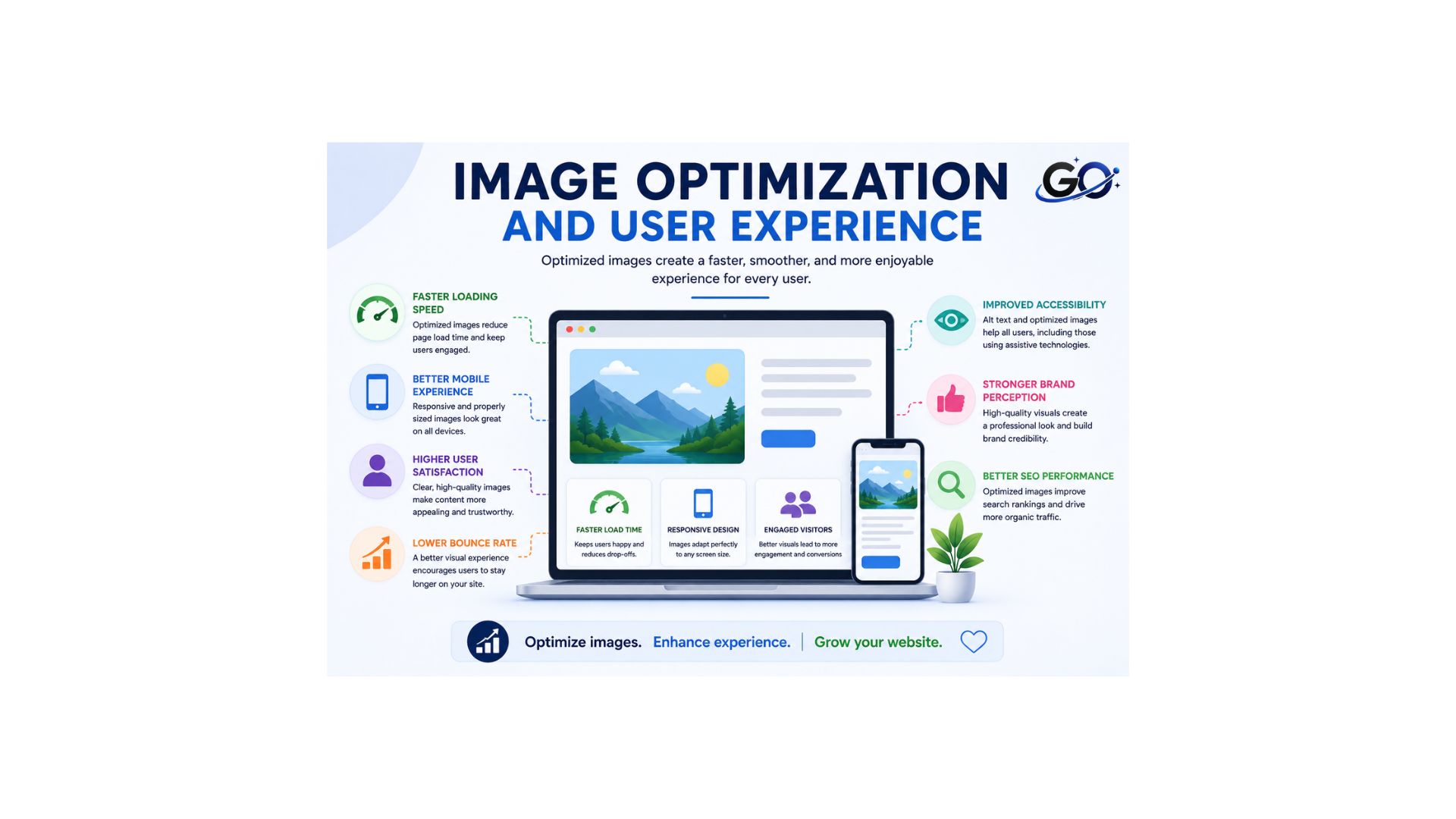
Optimized images create a smoother browsing experience. Visitors can access content quickly without waiting for large files to load. Fast-loading pages encourage users to stay longer, explore more content, and interact with your website.
Image optimization also improves accessibility by providing descriptive alt text for users who rely on assistive technologies. A better user experience often leads to higher engagement and stronger website performance.
Conclusion
Image optimization is an essential part of modern SEO and website performance. By compressing images, selecting the right file formats, adding descriptive alt text, and using responsive design techniques, you can improve page speed and enhance the user experience.
Although images make content more attractive, they should always be optimized before being published. Proper image optimization helps search engines understand your content, increases visibility in image search results, and supports better overall SEO performance. Making image optimization part of your regular workflow will create a faster, more user-friendly website that benefits both visitors and search engines.
FAQs
Why is image optimization SEO important?
Image optimization plays a role in improving your rankings while also improving user experience and accessibility.
Why is alt text important for image optimization?
Alt text helps search engines understand image content and improves accessibility for users with screen readers. Additionally, it may make you more likely to show up in Google Image Search.
Which image format works best for SEO?
The type of photograph determines the optimal format. WebP offers excellent compression and quality, JPEG is ideal for photos, PNG is suitable for transparent graphics, and SVG works best for logos and icons.
Does image compression reduce image quality?
Not always. Modern image compression tools can significantly reduce file size with little or no visible loss in quality, improving website performance without affecting the user experience.
How do I optimize images for SEO?
Making sure photos are mobile-friendly, resizing and compressing large images, adding alt text and file names that are descriptive, and creating an image sitemap are all ways to improve image SEO.